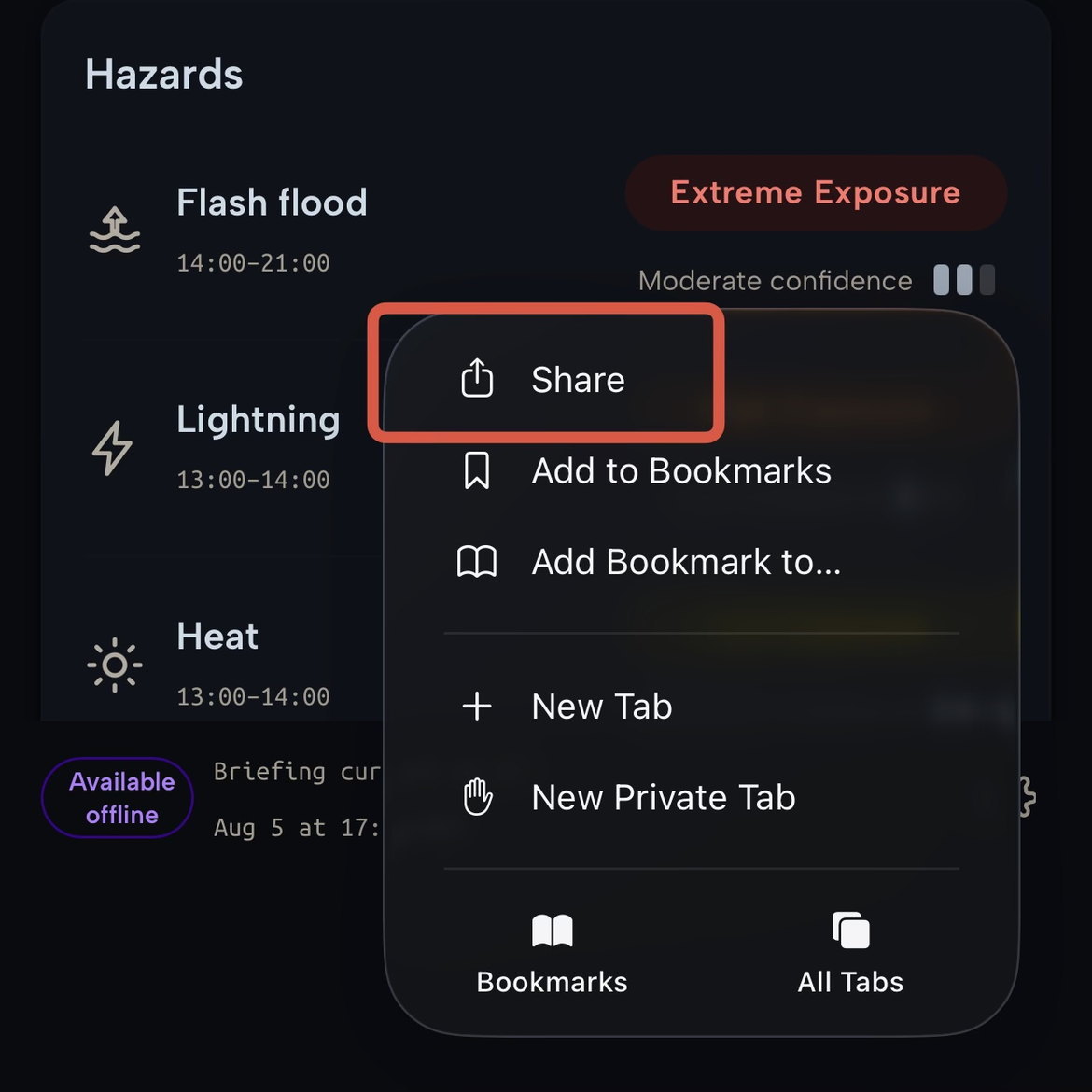
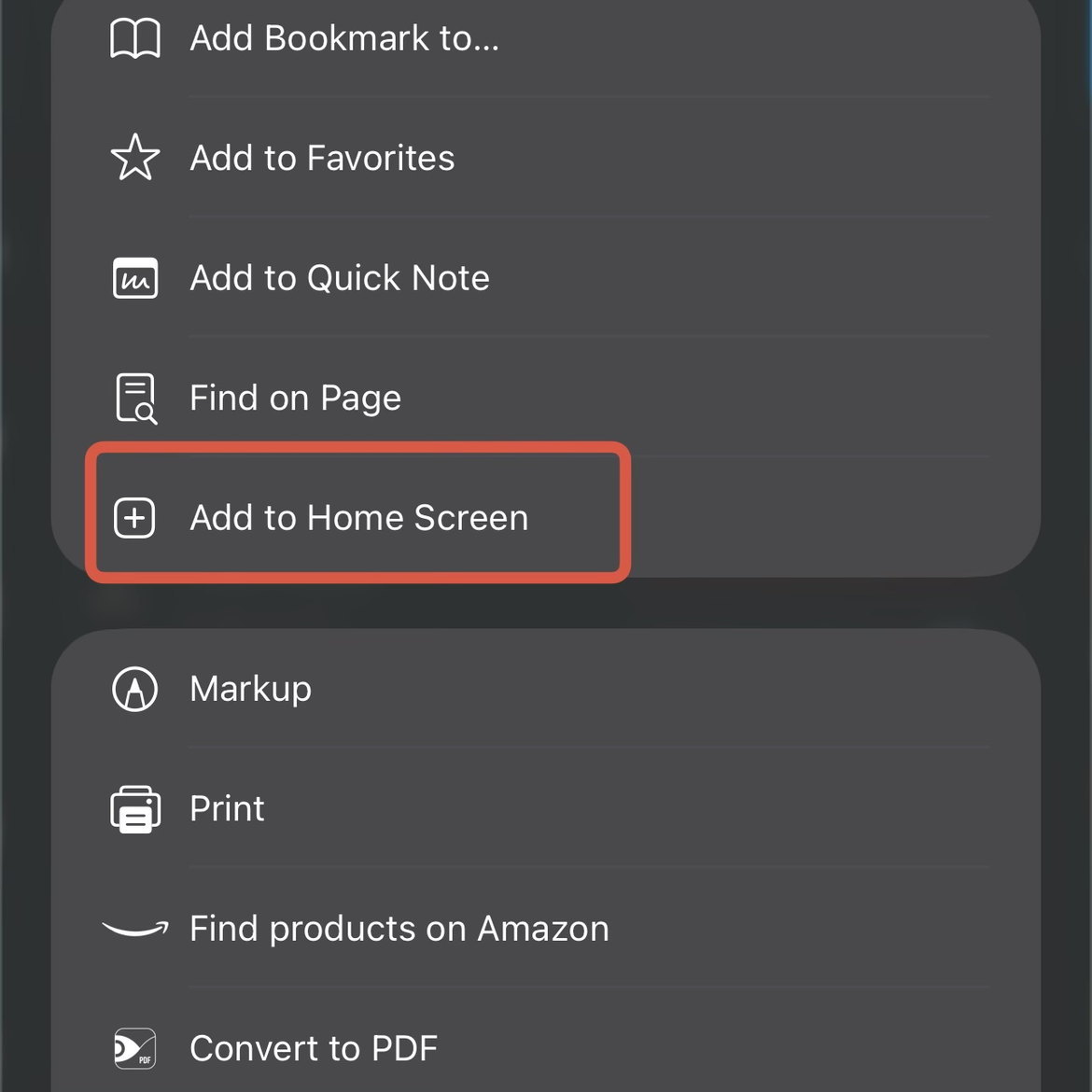
Add to Home Screen
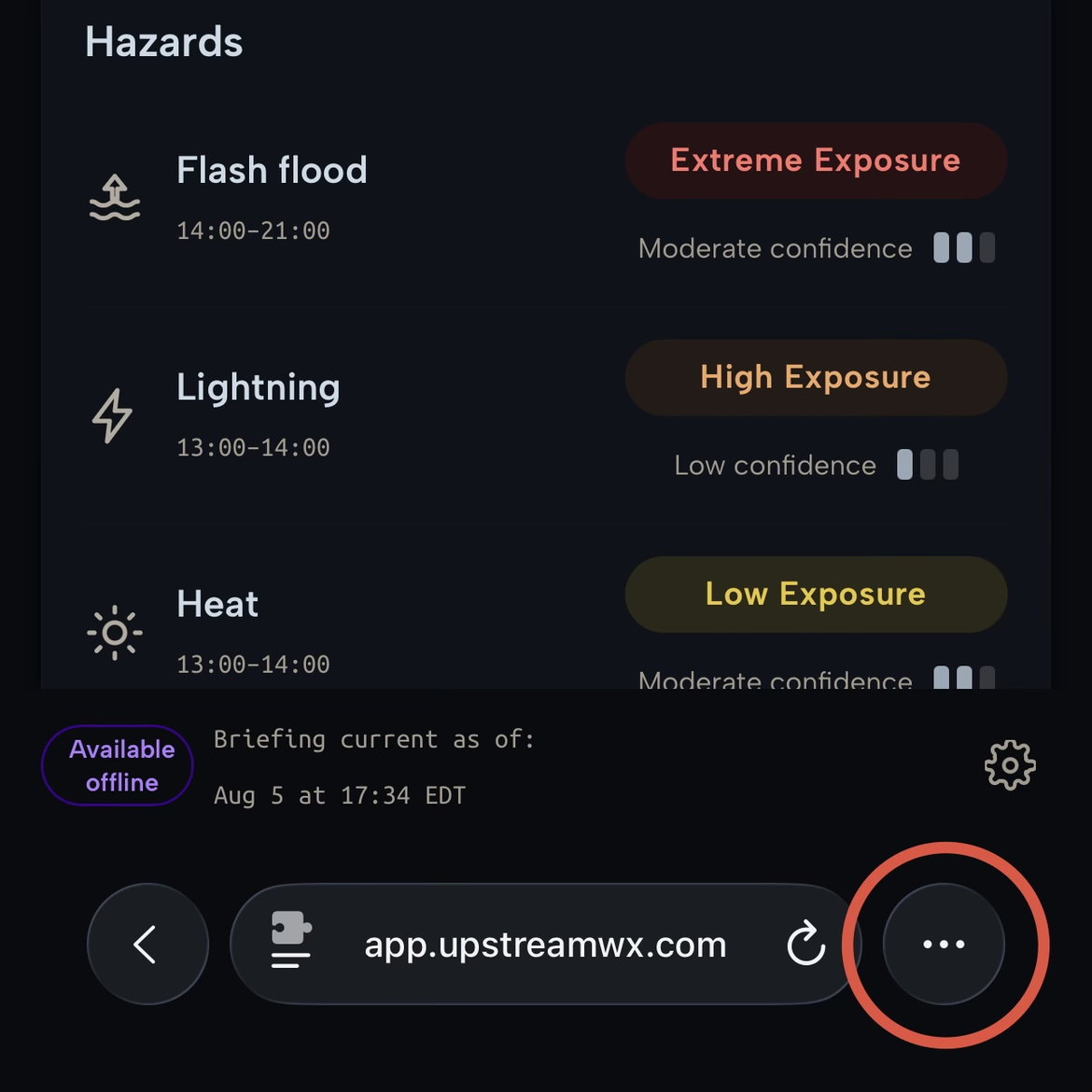
This tool gathers National Weather Service data, weather-model output, and ensemble probabilities and summarizes them for caving and canyoneering trips. It exists to save you time and to flag hazards worth a closer look.
It does not tell you whether to go. It is not an official forecast or warning. The data can be incomplete, delayed, or wrong — and a slot canyon or cave can flood from rain you never see.
Use it as one input. Check the official NWS sources it links to. In the field, watch the sky and the water: what you observe there beats anything on this screen. The decision to enter, continue, or turn around always rests with you and your party.
Long-press the map to drop a point, or drag the marker to reposition. Search © OpenStreetMap contributors.
Caps the upstream watershed — the basin is clipped to this radius before weather data is gathered.
Temperatures, wind, precipitation, and distances are shown in your chosen system throughout the app.
Lightning risk is assessed within this radius of the activity, rather than across the whole upstream watershed.
Time before the in-cave/canyon window used for approach-phase hazard weighting.
Time after the in-cave/canyon window used for egress-phase hazard weighting.